Onboarding sets up your portal and shows your team how to use it. Your HubSpot portal is configured, your team understands the tools, and the work supports your business goals.
Start with the goals that matter most
Business priorities guide the plan
We begin with your goals, current setup, and your team's needs so onboarding is tied to useful outcomes, not just a basic checklist.
The work is organized before it starts
Tasks are mapped into a clear plan so everyone understands what needs to happen, who is responsible, and what comes next.
Your team learns while the work gets done
As onboarding efforts progress, your team gains working knowledge (via collaboration) through setup and configuration activities.
Onboarding connects setup, decisions, and day-to-day use
HubSpot Support answers specific questions. HubSpot Academy teaches individual tools. Onboarding connects setup, decisions, and how your team will actually use HubSpot going forward.
Your team learns while the work gets done
Kayak handles the website setup and technical work while your team works through real layout, content, page, organization, and configuration decisions alongside us.
Sam Pogosian on knowledge transfer as a key reason Nemalux selected Kayak.
Who to turn to for help
When to talk to HubSpot Support
Use HubSpot Support when you need a direct answer to a platform issue, tool behaviour, or a shorter-term technical question.
HubSpot Platform
When to talk to Kayak Support
Contact Kayak when the question affects page setup, theme use, migrations, reporting, or how HubSpot should support your business goals.
Theme & Strategy
Objectives-based onboarding keeps the work focused
Your onboarding plan is based on your subscription, your team, and the outcomes you need to support. The goal is to make HubSpot usable, not just configured.
How HubSpot onboarding works
Kickoff and planning
We review your goals, subscription, and current setup so the onboarding plan starts with the right context.
Setup and implementation
We organize the work, configure key areas, and guide your team through the setup in a practical way.
Recap and next steps
We review what was completed, identify gaps, and outline the next priorities so your team knows how to keep moving.
Content Hub onboarding can support your website work directly
If your subscription includes Content Hub, onboarding can support website migration, rebuild planning, DropZone Pro Theme setup, and page consistency so your site is easier to manage as it grows.
Select projects based on your priorities. Don't worry...we'll confirm everything with you before putting anything into motion.
Pre-defined projects are available for Sales Hub, Marketing Hub, Service Hub, and Content Hub. Operations Hub projects are typically customized to client needs.
You may be wondering when to contact HubSpot Support, when to check out the Academy, and when to contact Kayak Marketing.










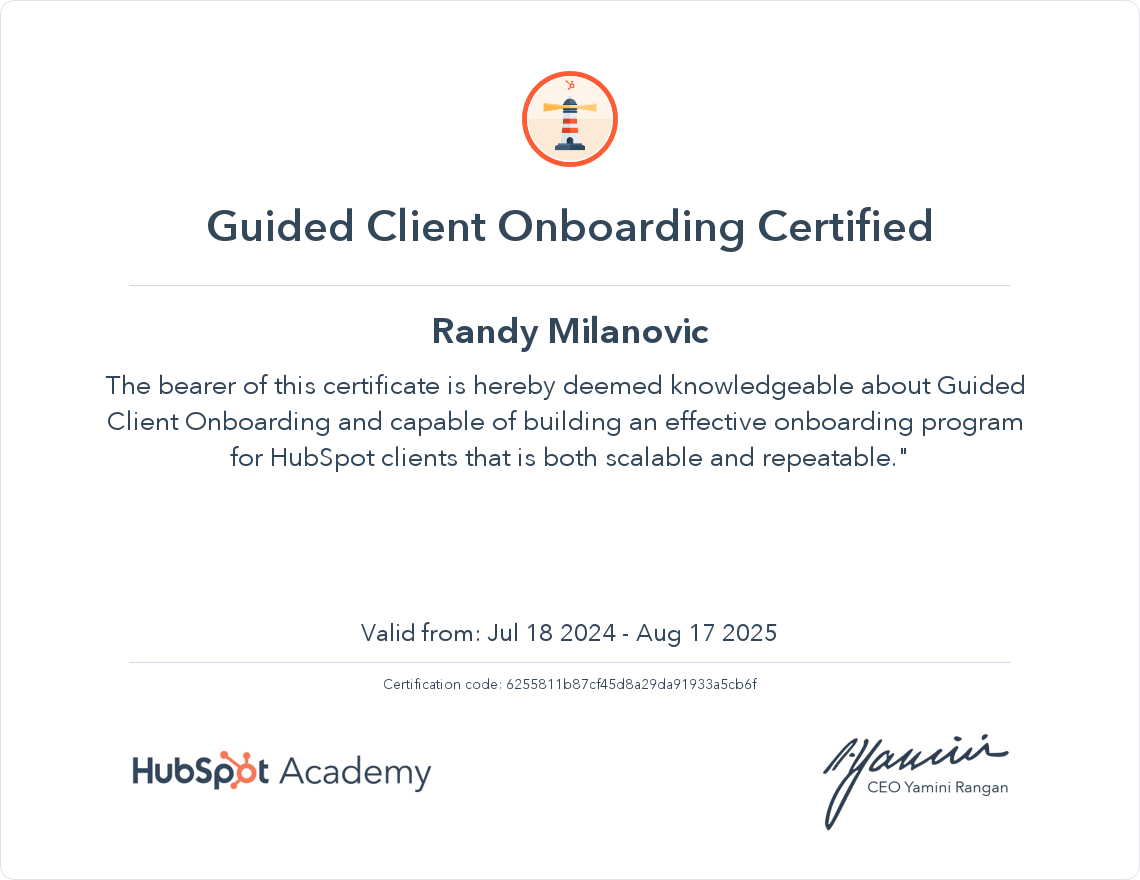
.png "6c9c2e221fe6490e845ee51e0633d701 (1)")
.png "3116cc351b304f0ca92dea0cf2c95e3f (1)")
.png "8e0bd81d95e64233ab90c84148fa4429 (1)")