

Nielsen Norman Group describes effective UX animation as unobtrusive, brief, subtle, and tied to a clear purpose.
That’s the right standard for business websites too. Motion should help people understand what changed, what worked, and what to do next without making the animation itself the focus.
When motion is done well, it improves usability. It confirms actions, explains changes, guides attention, and makes the experience feel more coherent. When it’s done poorly, it slows people down, distracts them, and makes the interface feel less trustworthy. This article isn’t about flashy effects. It’s about using motion as functional feedback.
Invisible animation is motion that helps users understand an interface without calling attention to itself. It can confirm a click, soften a transition, show that content has changed, or guide attention to the next useful action. The goal isn’t to impress people with movement. The goal is to make the website feel clear, responsive, and natural.
Why “natural” motion matters
People don’t experience an interface as a set of screens. They experience it as a system. Every time the system responds, their brain is asking a few quick questions.
Did it work?
What changed?
What should I do next?
Can I trust this?
Motion can help answer those questions, or it can add noise. “Natural” animation works because it aligns with what people already expect from the physical world. Things don’t teleport. They accelerate and decelerate. They ease into motion and ease out of it. When your UI respects that, it feels calmer and easier to follow.
When motion ignores that, it starts feeling mechanical or random. In a business context, random motion is not the impression you want to create.
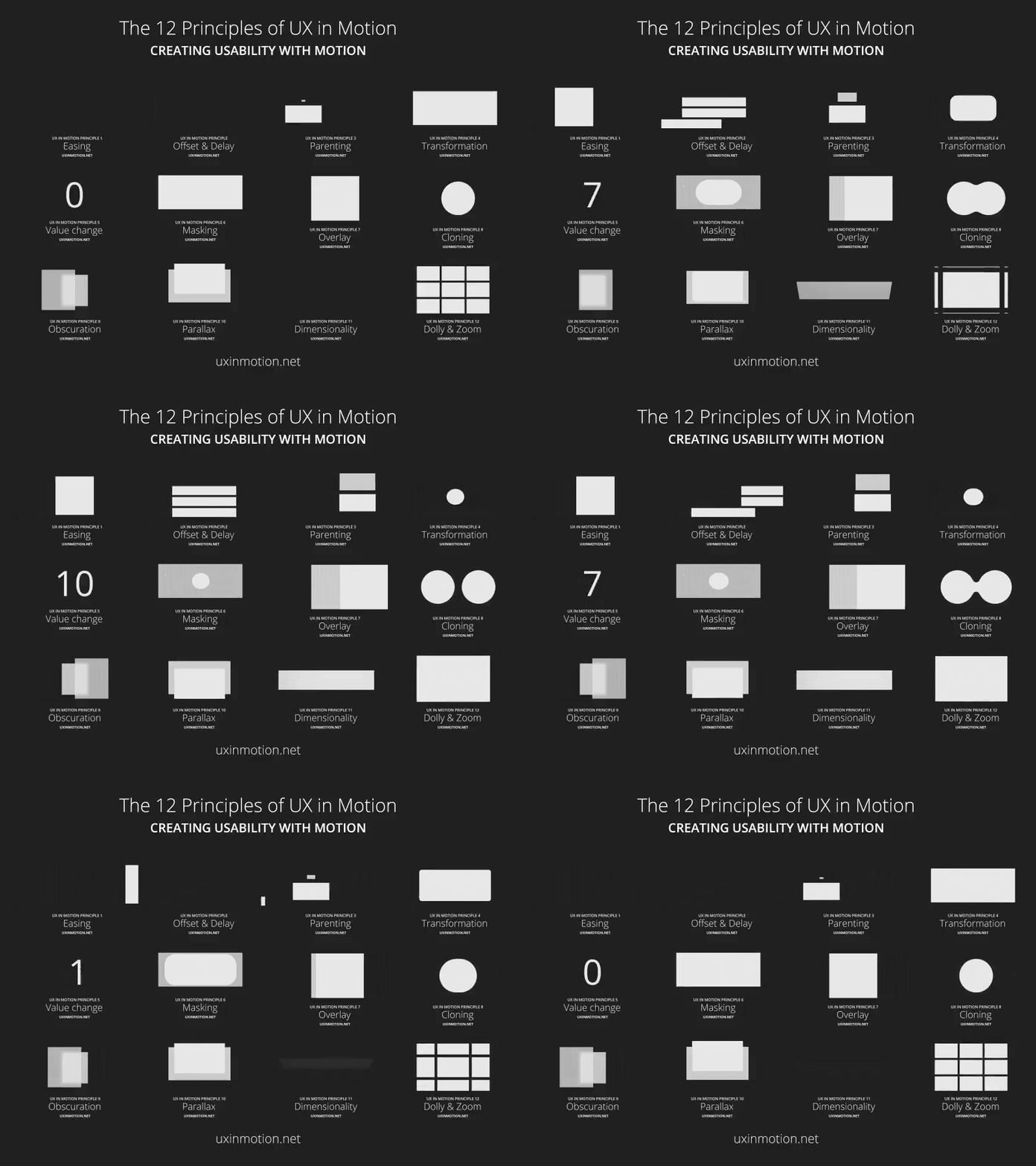
Principle 1: motion needs a job
If an animation doesn’t have a purpose, it’s not helping. It’s just movement.
The best UI motion usually does one of three things. It confirms an action, it explains a change, or it guides attention.
A subtle hover treatment that makes a button feel interactive is useful. A loading state that reassures the user the system is working is useful. A transition that shows where something moved or what replaced it is useful.
If motion doesn’t make the product easier to use, it’s decoration. Decoration can be fine, but it shouldn’t compete with clarity.
Principle 2: easing is what makes motion feel natural
Linear motion reads like a machine. Real-world movement rarely looks linear, and users can feel that difference even if they can’t describe it.
Easing is what keeps motion from feeling mechanical. Things start, speed up, and slow down. That’s how interface motion should behave too.
The specific easing curve matters less than the discipline. Pick easing rules that feel right for your product, then apply them consistently. Inconsistency is what makes animation feel sloppy.
Principle 3: timing is a usability decision
Animation speed isn’t style. It’s usability.
Too fast and users miss the change. Too slow and the interface feels heavy. Both outcomes create friction.
As a general rule, most UI transitions should be short enough that they don’t feel like a wait, but long enough that the user can perceive what happened. The “right” timing also changes by context. A micro interaction can be quick. An onboarding moment can be slower because the goal isn’t speed, it’s comprehension.
The point is to make motion support the task, not compete with it.
Principle 4: subtle beats impressive
Subtle motion is easier to trust. It’s also easier to repeat across a product without becoming irritating.
A fade that helps a modal arrive cleanly is useful. A small shift that shows hierarchy is useful. A transition that reduces visual jarring is useful.
Big motion attracts attention. That’s not automatically a win. If everything is trying to be noticed, users stop knowing what matters.
Principle 5: consistency is the difference between “designed” and “random”
Consistency in motion makes a product feel coherent.
If one part of the app slides, another fades, another bounces, and another snaps, the system starts feeling stitched together. Users might not call it out, but they’ll feel it as friction.
Consistency means similar actions behave similarly. Similar elements animate similarly. It also means the same easing and timing choices appear across the product. This is where a design system helps, but even without one, the rule stands.
Motion should feel like a single language, not a bunch of isolated tricks.
Principle 6: accessibility isn’t optional
Some people are sensitive to motion. Some find it distracting. Some find it disorienting.
So motion needs guardrails. Avoid large, dramatic movement where users are trying to complete tasks. Pay special attention to forms, navigation, page transitions, and transactional flows. And make sure the site respects reduced-motion preferences so people who are sensitive to motion aren’t forced through unnecessary effects.
This isn’t about being conservative. It’s about not creating barriers.
What “invisible animation” looks like in practice
When UI animation is working, it’s usually because it’s doing the basics well.
It provides feedback when something changes. It makes transitions easier to follow. It uses easing so motion feels natural. It stays consistent so the interface feels coherent. And it stays out of the user’s way.
That’s the standard: motion that improves usability without asking for credit.
That’s also why motion should be governed at the theme and module level, not added randomly page by page. When motion rules are built into the system, the site feels more consistent, easier to manage, and less likely to drift over time.
If you want animation to feel professional, stop thinking of it as decoration. Treat it like product behavior.